Rigged King Cobra Snake
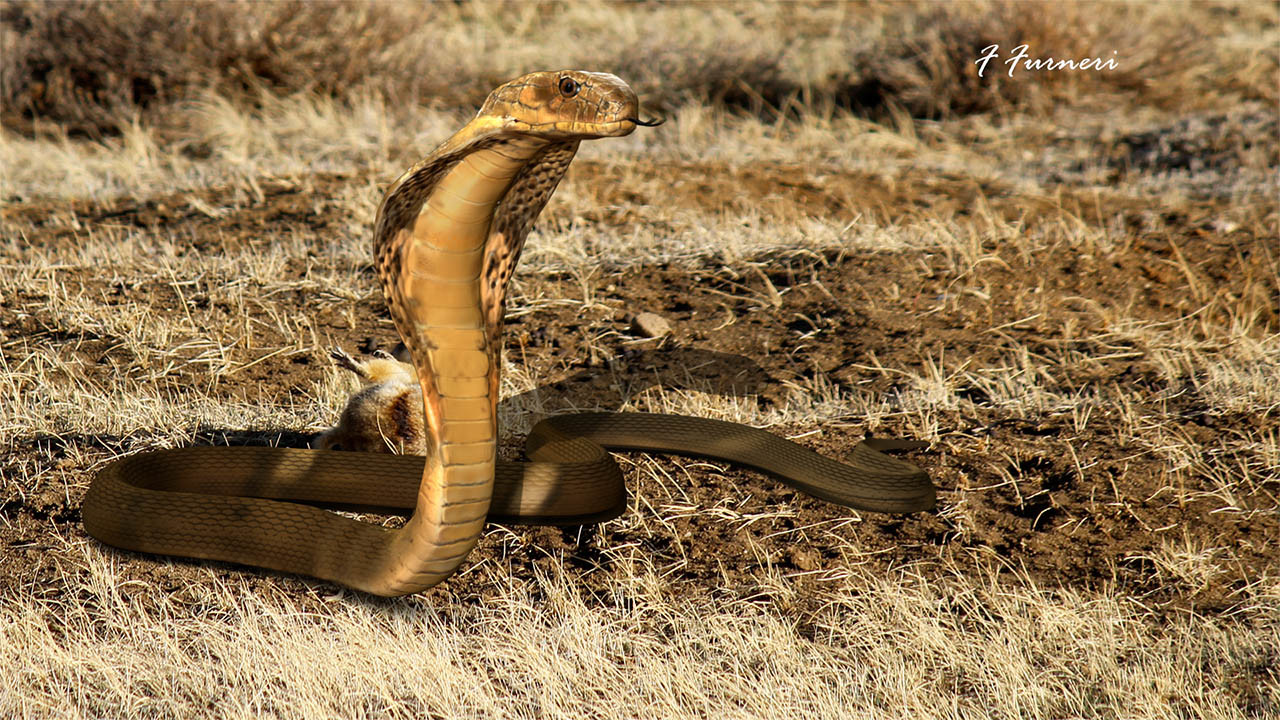

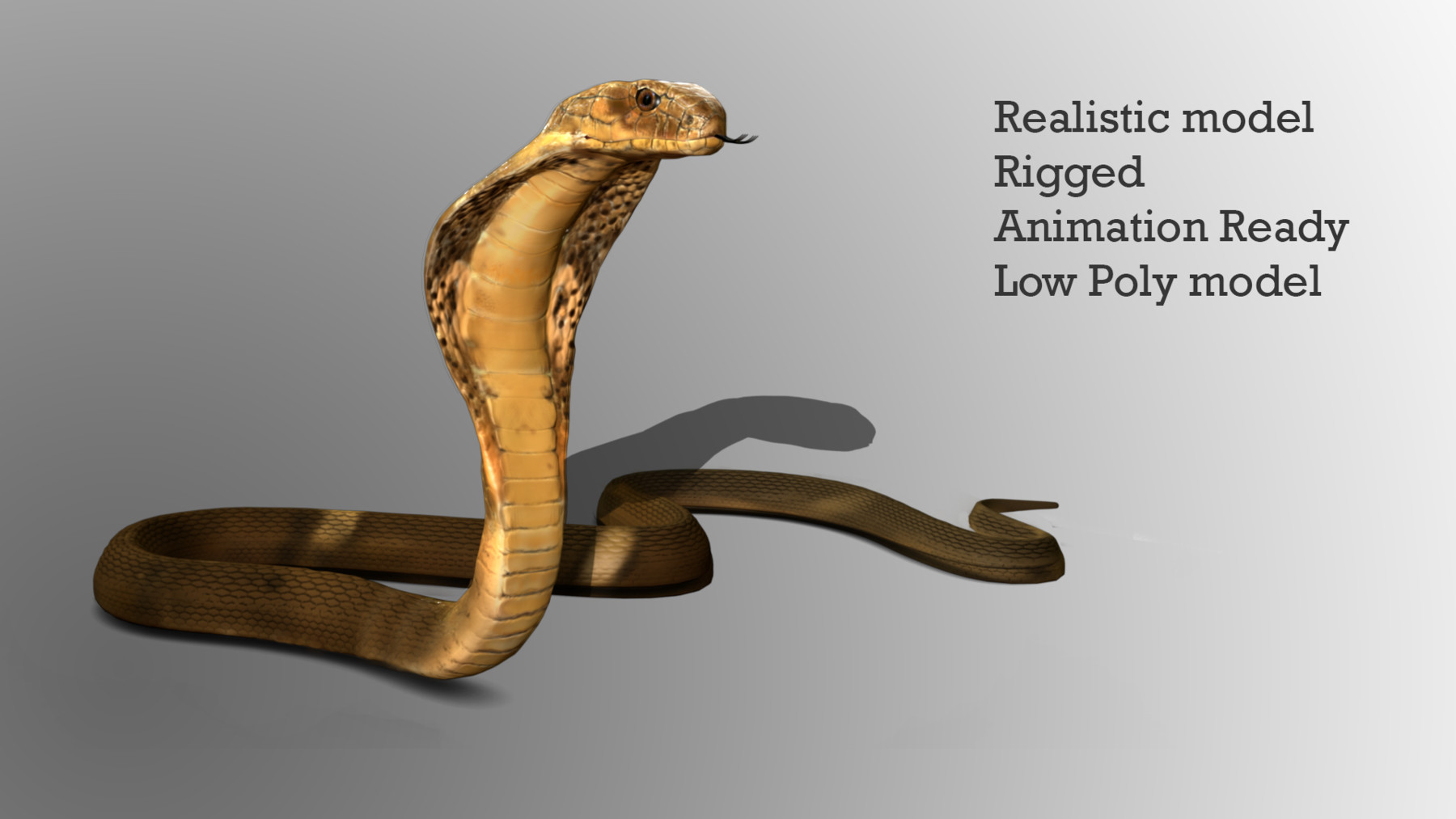
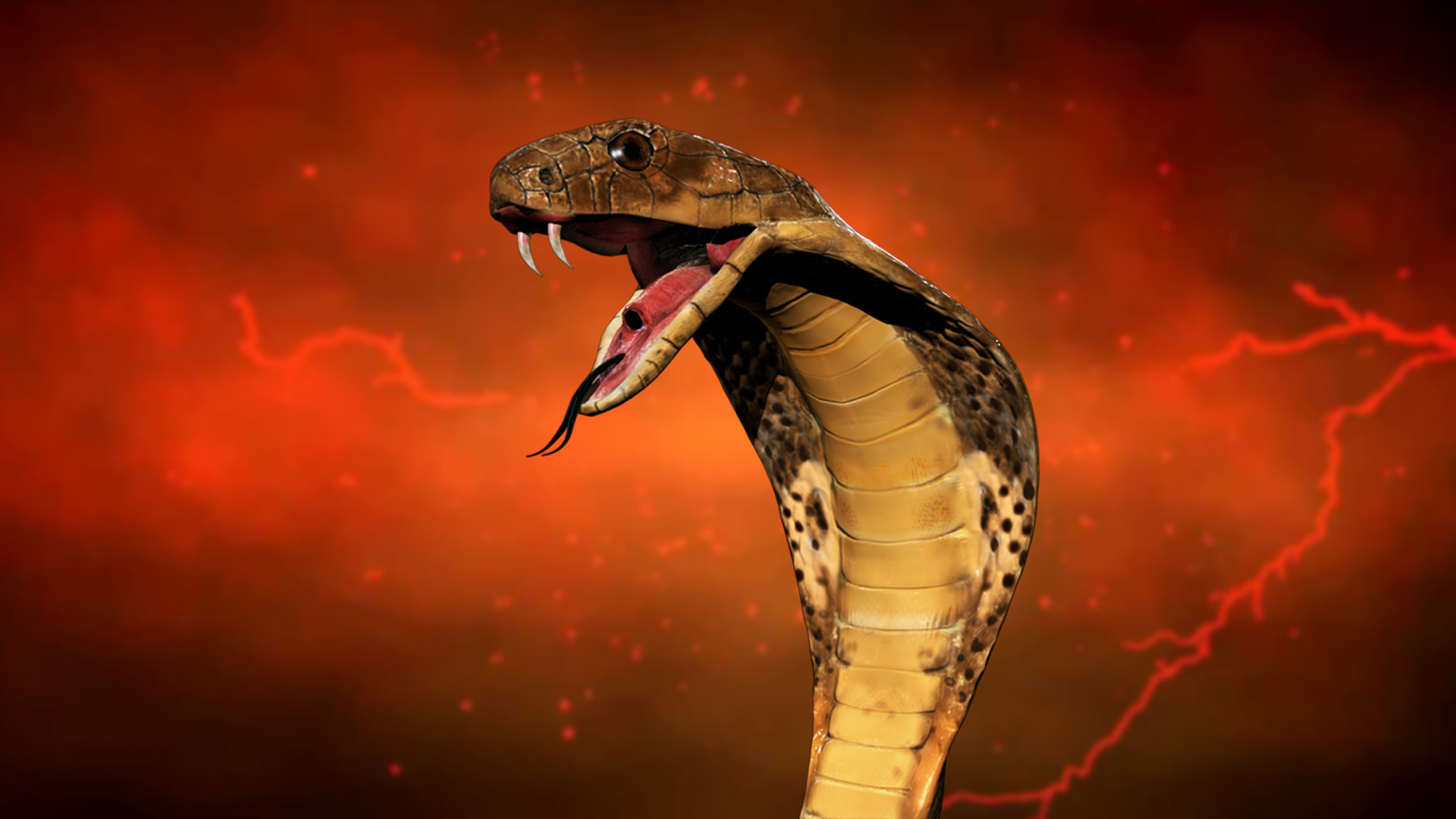
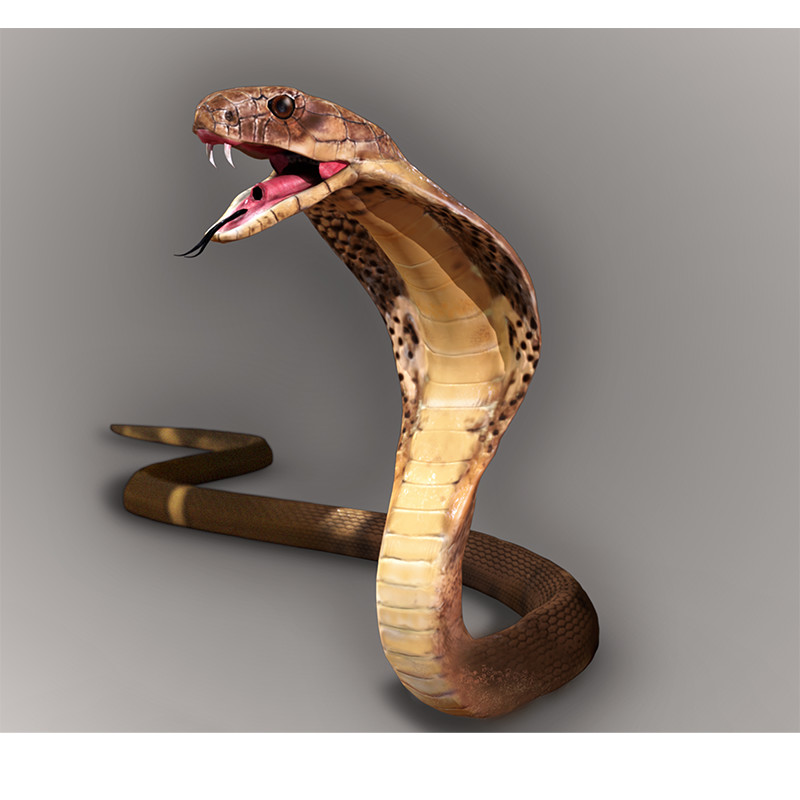
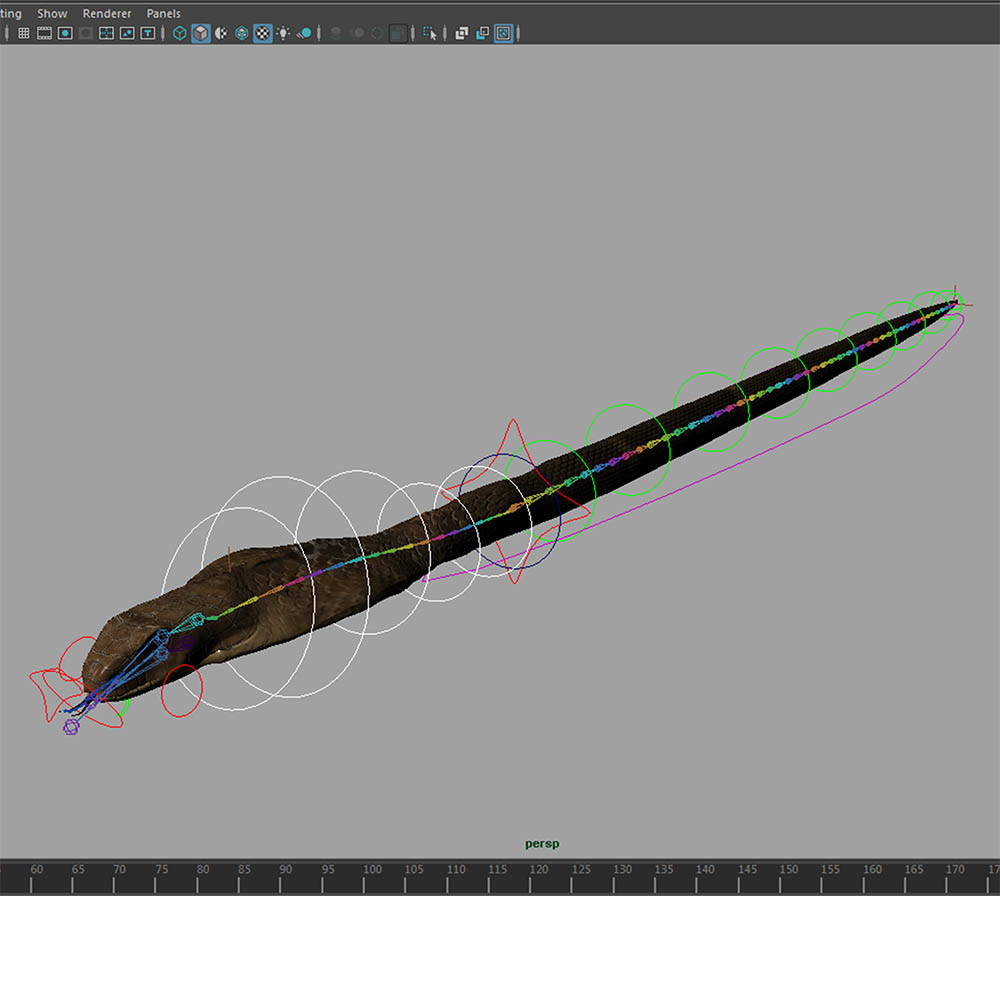
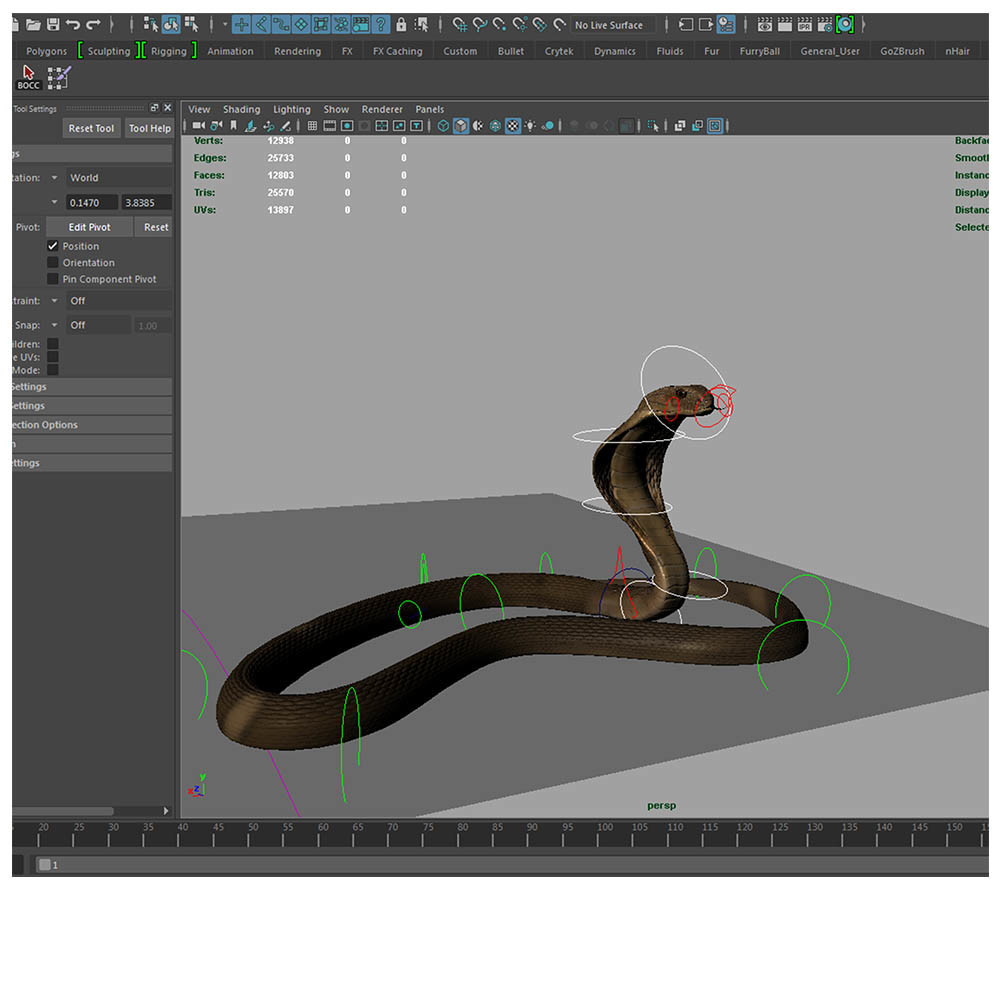
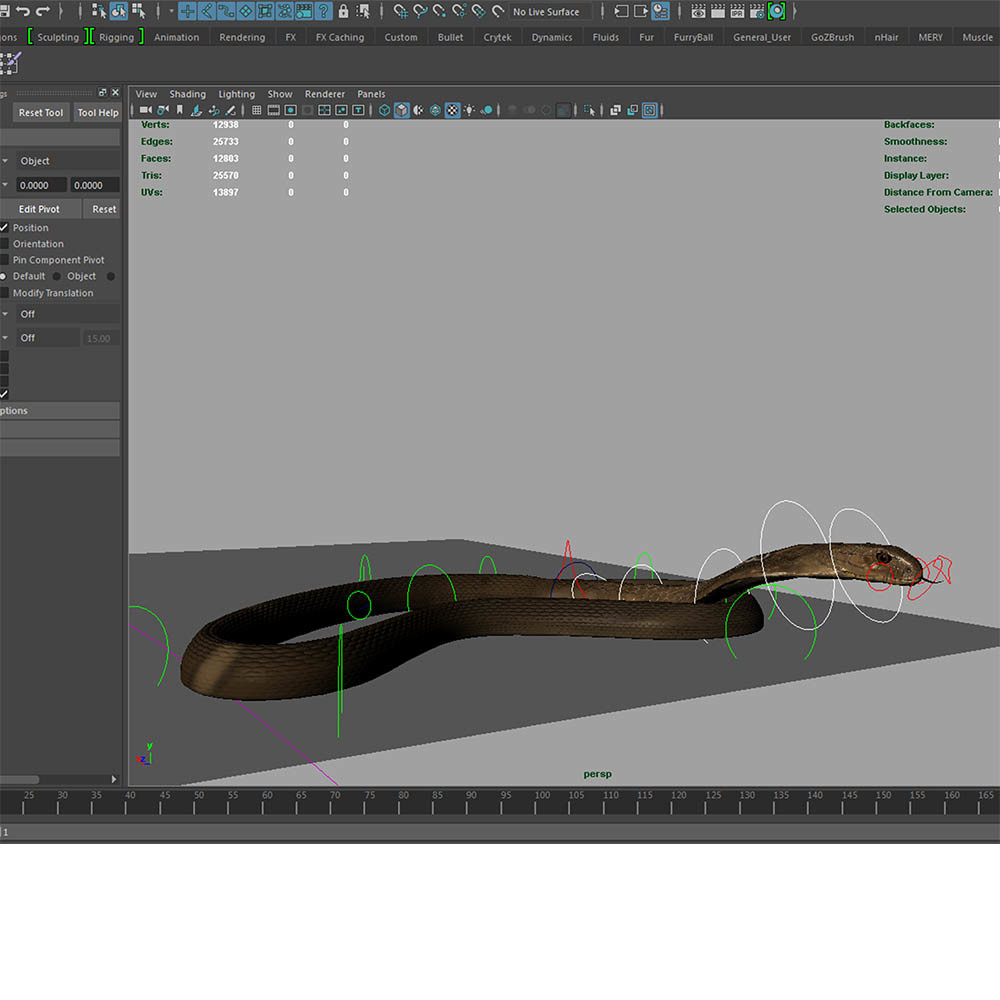
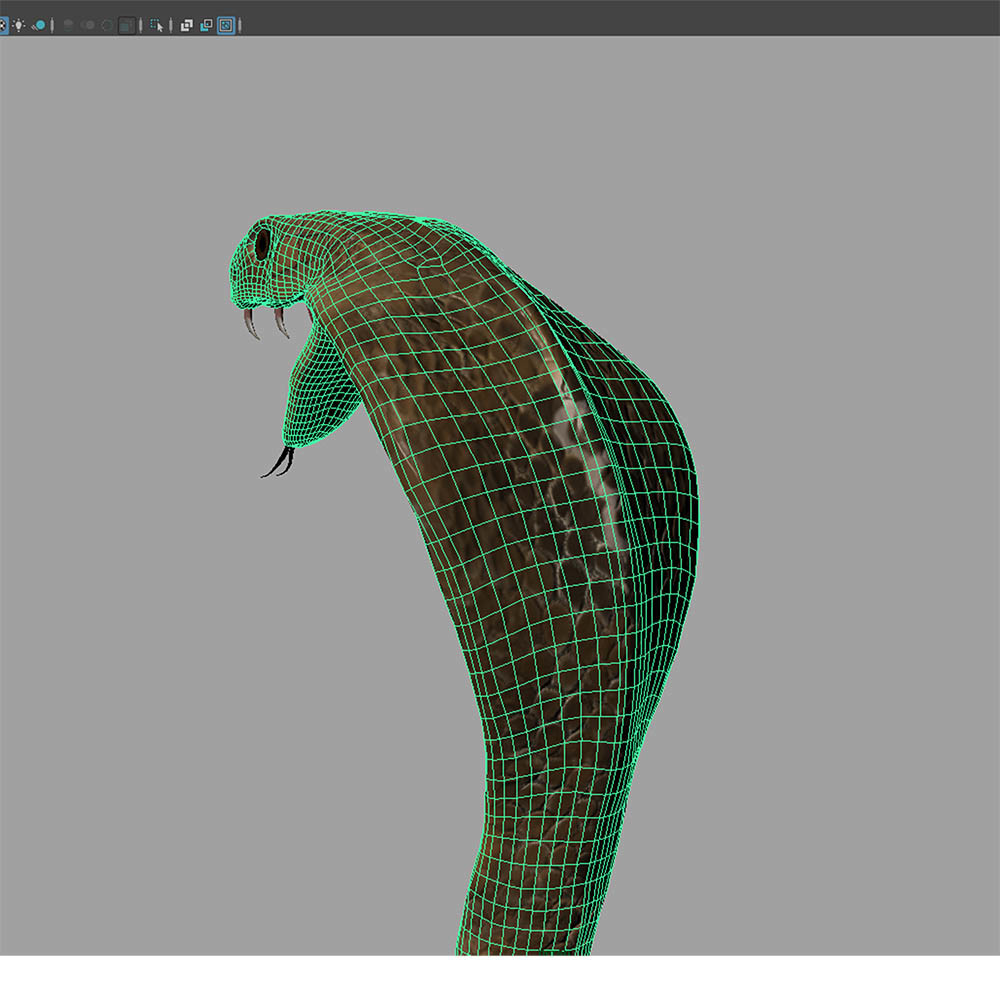
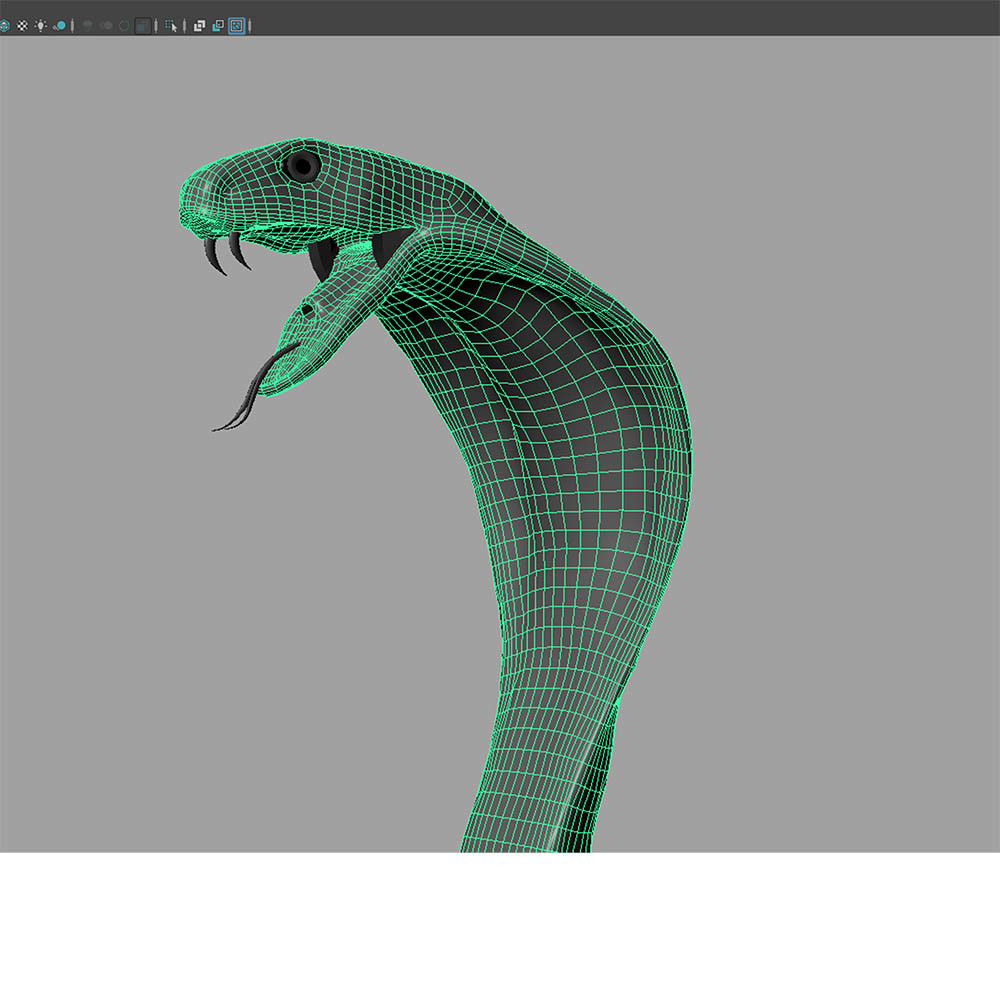
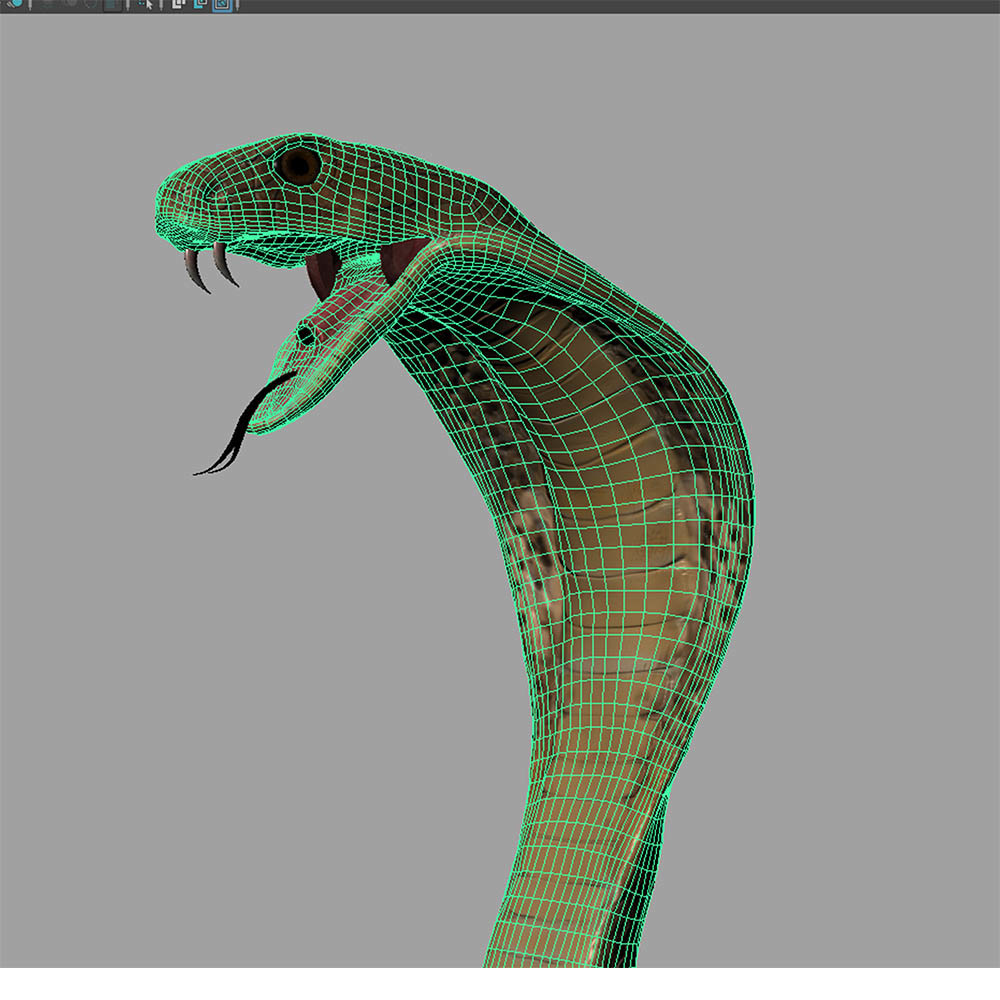
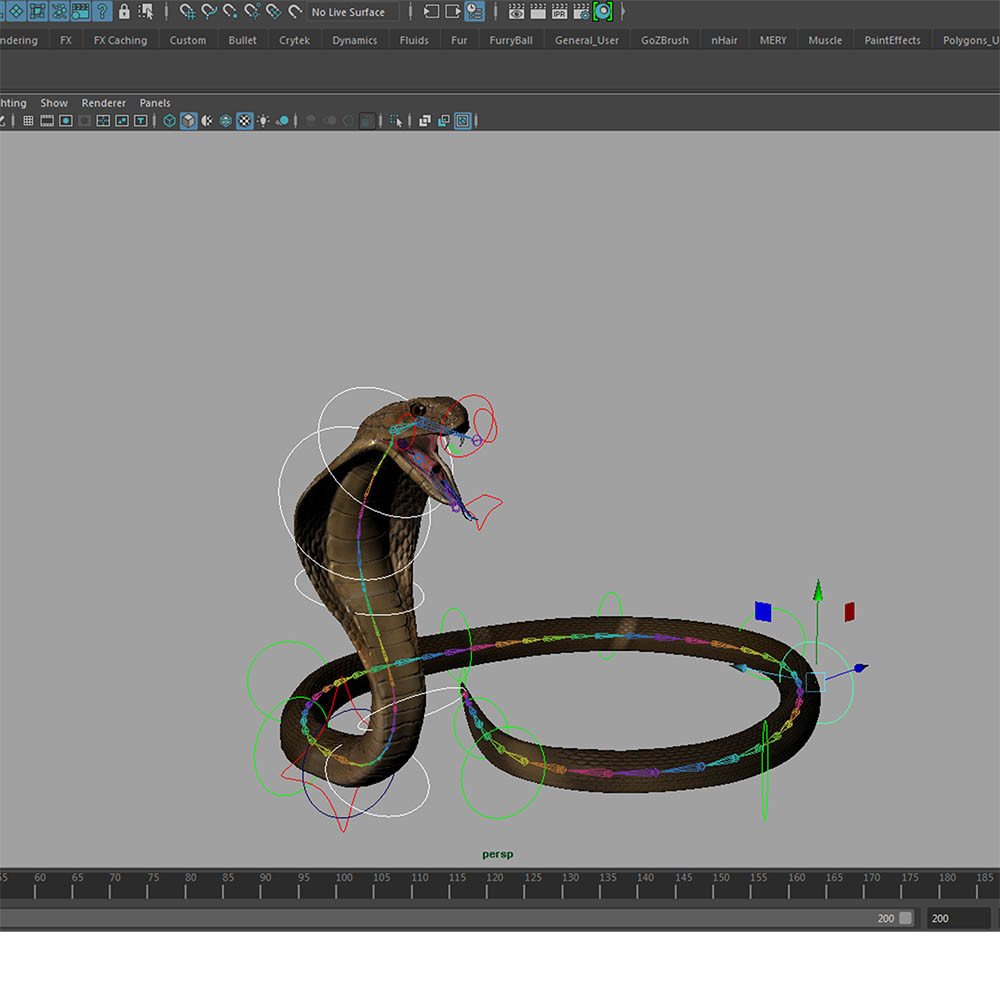
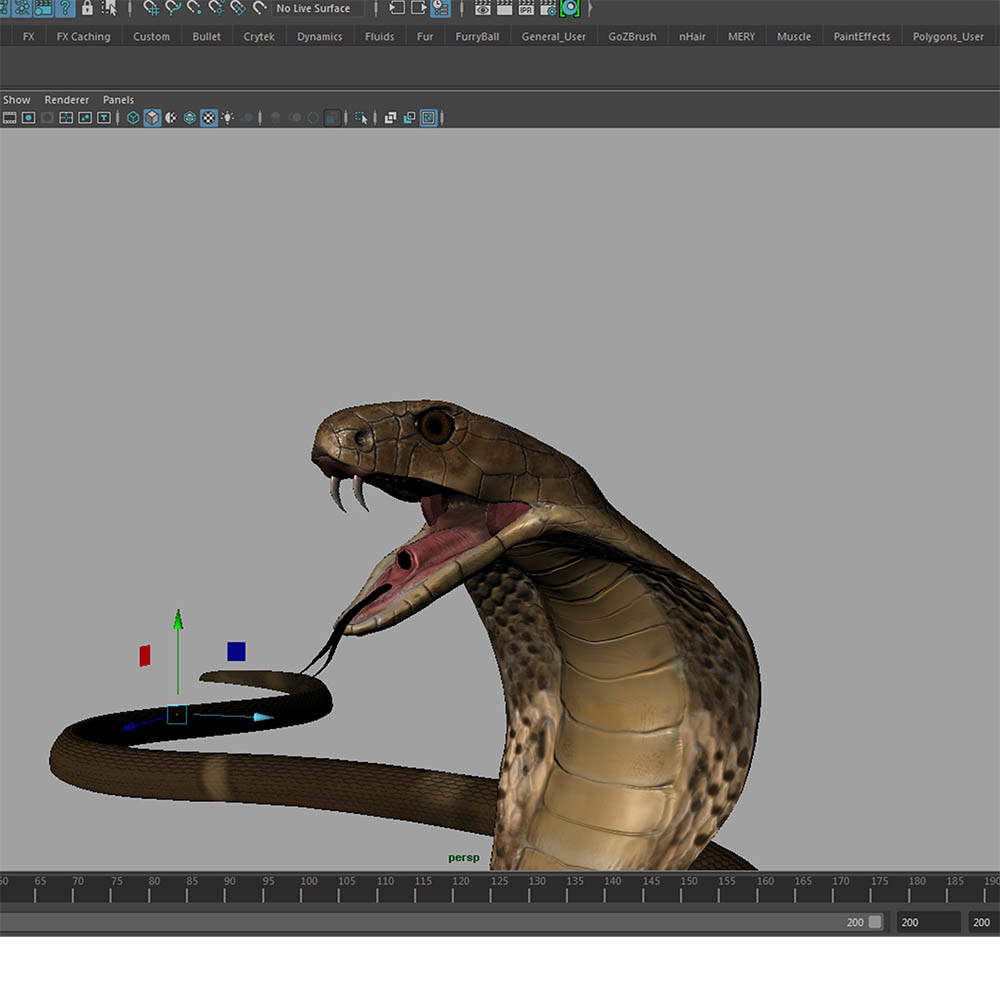
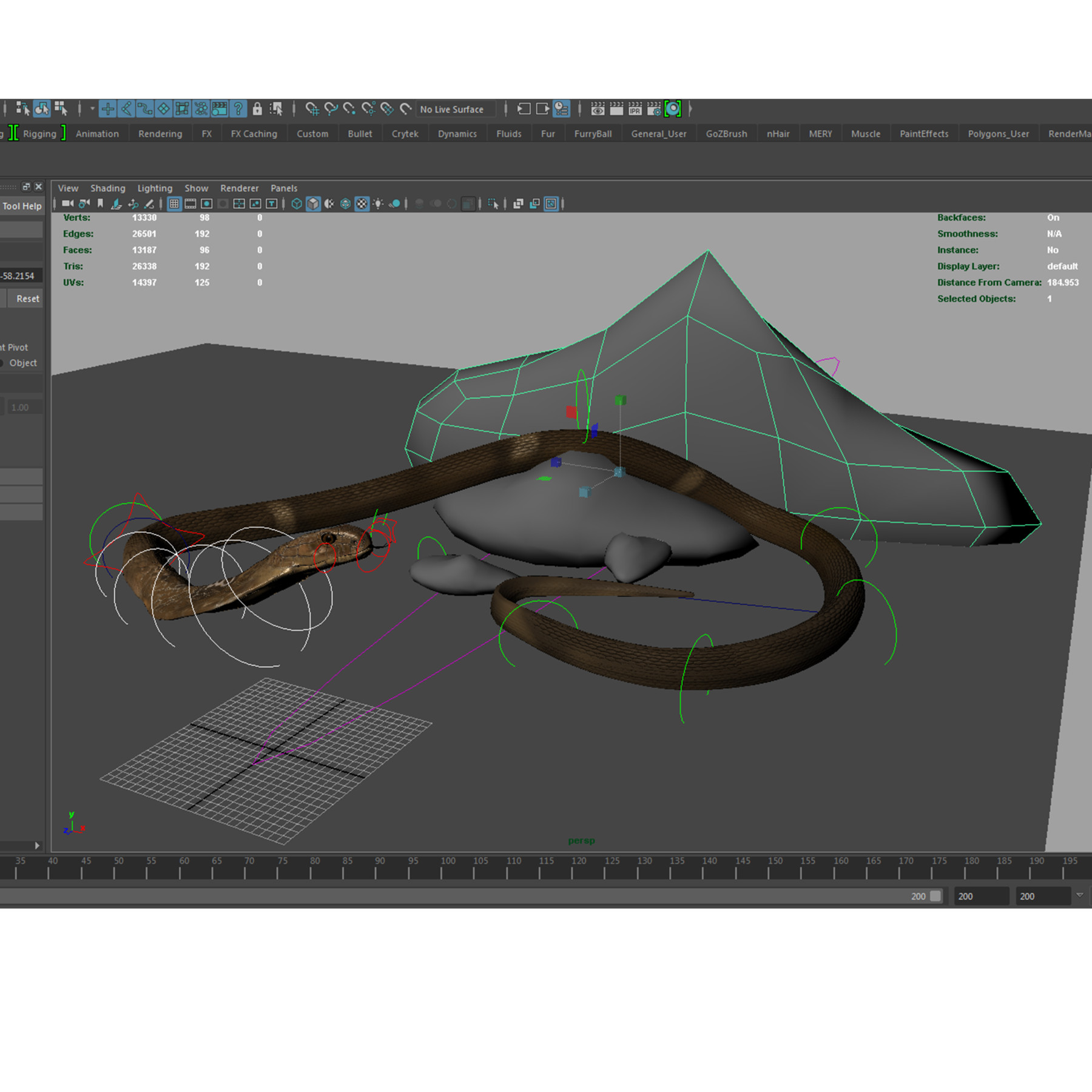
King Cobra snake model - Rigged, textured and animation ready!!
------------------------------------------------------------------------------------------
There is a Vimeo video https://vimeo.com/175941841 which explains the main rig features.
I strongly suggest that you watch it before starting to animate it.
The model has been created inside of Zbrush and then moved to maya (version 2016) for the rigging process.
------------------------------------------------------------------------------------------
Details and content:
* 12802 faces
* 12934 vertices
------------------------------------------------------------------------------------------
* Maya .mb scene file with rig setup (version 2016 - Main render - Mental Ray)
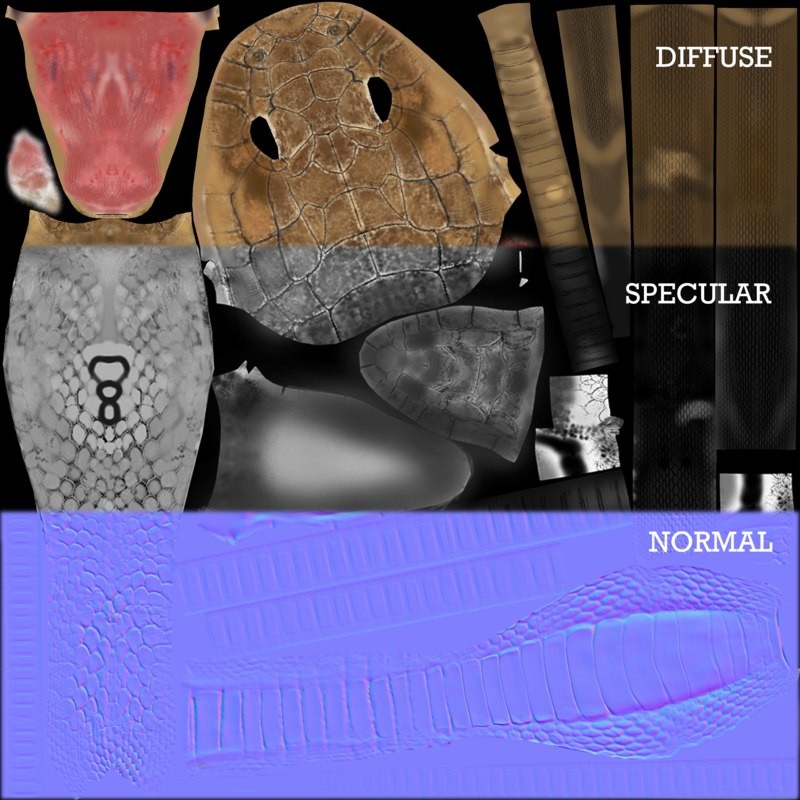
* High Quality textures (4096 X 4096)
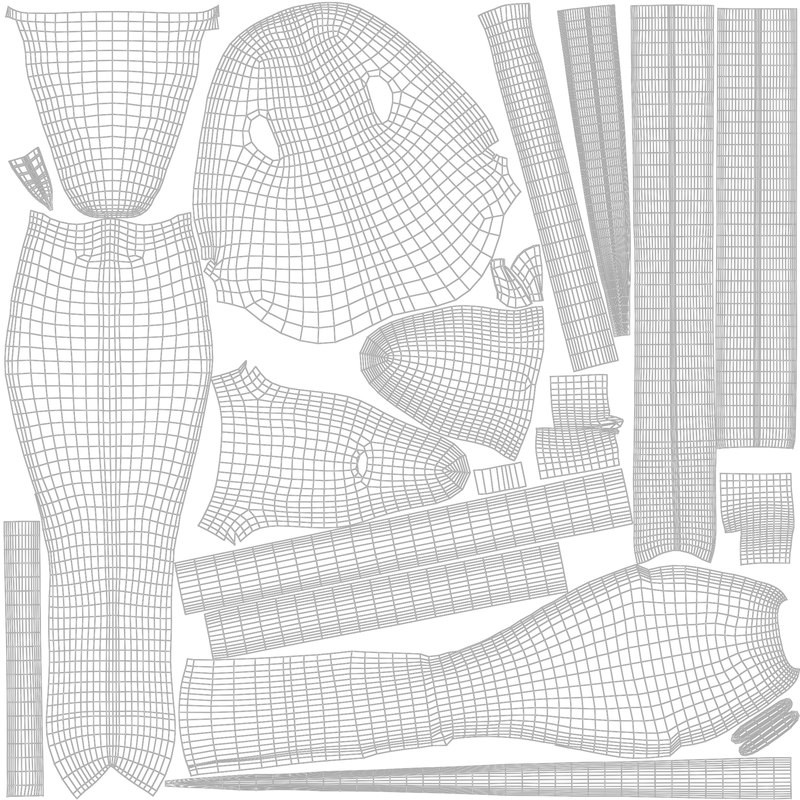
* Unwrapped UVs with NO overlapping.
* Diffuse Map
* Normal Map
* Specular Map
------------------------------------------------------------------------------------------
* Model centered in (0,0,0)
* Real size model
* Fully rigged
* Enriched by Blendshape expressions
* Detailed mouth and tongue movements
* Animation Ready
------------------------------------------------------------------------------------------
In the video you will find the following arguments:
- Fast overview of the snake in the viewport
- Main Controllers to move the neck
- Important tip to smoothly move the neck up
- Mouth, head and tongue controllers
- 'Slither' functionality
- Explanation of the 'slither' functionality
- Example of the 'slither' functionality
- Explanation of some deformers and blendshapes to roll and move the body
------------------------------------------------------------------------------------------
SMALL TIPS TO ANIMATE THE RIG WITH PROFESSIONAL QUALITY
I studied and produced my rig so that you guys can learn the best and easiest way to move and animate the snake in your personal projects.
My concern is to give you the best in terms of productivity and efficiency.
Therefore, there are 3 important ways you can follow:
* you can use the sine deformer with amplitude and offset to create an 'on spot' flowing movement, then by animating the global controller you can move it back and forth, left and right
* another way is to set up a path (as it is explained in the video) and animate the offset.
* a third way is to attach the global controller to a motion path and by adjusting the tail controller, head controllers, neck controllers, etc... you can obtain realistic results.